
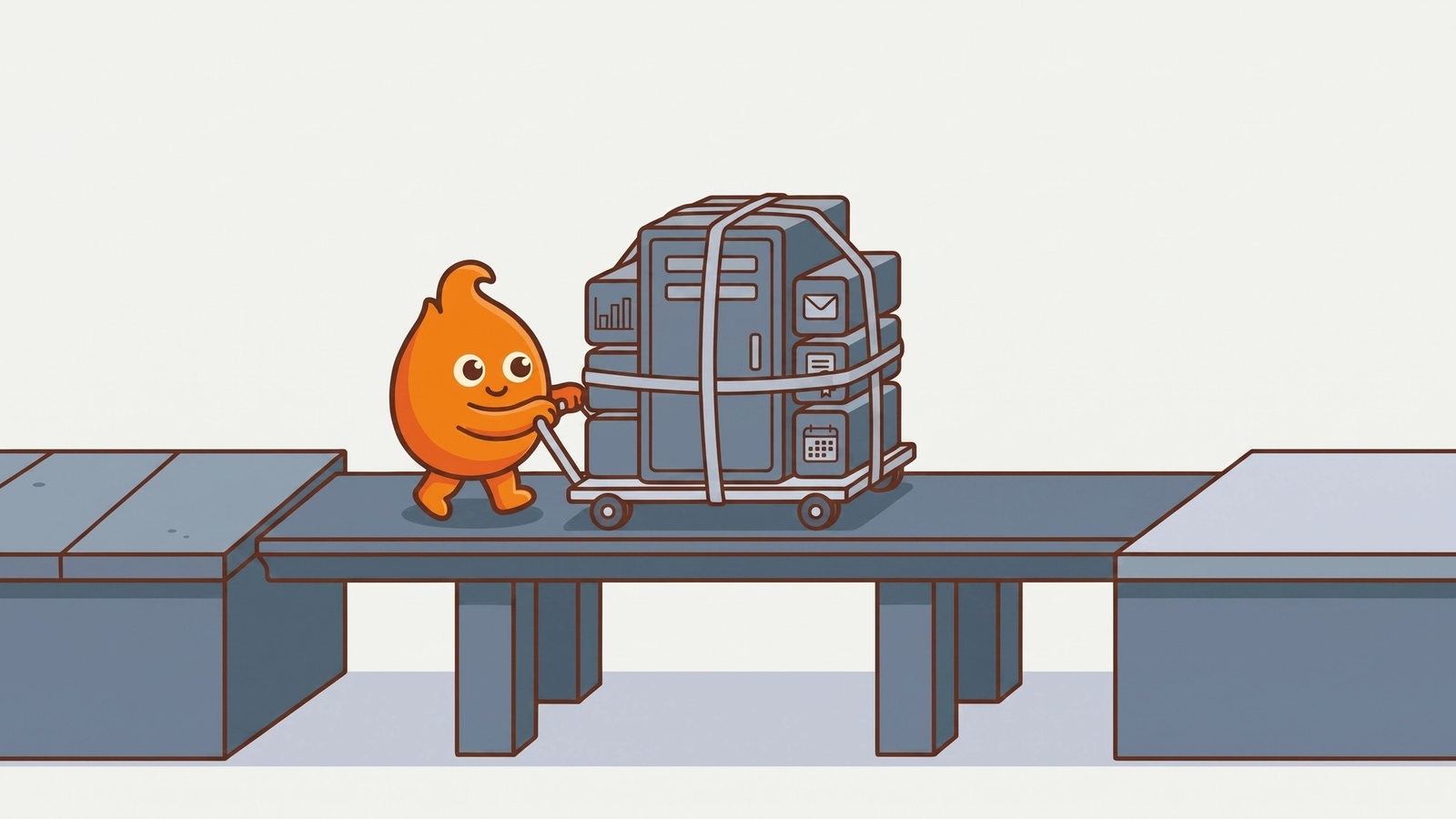
We recently took a production ColdFusion application from CF2018 to ColdFusion 2025 on freshly provisioned infrastructure: new application servers, new SQL Servers, external traffic, a hard cutover. It went live on schedule and under budget. This is the checklist we wish every team had before starting the same trip, drawn from what actually consumed time and what actually created risk.
Before anyone installs anything
Inventory the whole estate, not the app. The application is the headline, but the migration is really the application plus its database version, its reporting layer, its scheduled tasks, its file shares, its mail relay, its certificates, and its service accounts. Every one of those is a workstream. The ones you discover mid-migration are the ones that slip the date.
Settle the scope boundary in writing. Who fixes application code that misbehaves on the new runtime, and who fixes infrastructure? On our engagement the client owned code compatibility and we owned platform, and having that boundary agreed before the first incident meant issues routed instead of festering. Without it, every bug becomes a negotiation.
Confirm licensing before the install window. Edition, quantity, and where the installers and license keys physically are. ColdFusion licensing is not complicated, but it is exactly the kind of dependency that sits unowned until the day you need it, and a trial-edition fallback is a plan you want chosen in advance, not improvised.
The surprise that will find you: the reporting stack
Plan for your reporting layer to be its own project. On our migration, the database upgrade dragged the reporting stack with it: the SQL Server version we landed on had dropped classic SSRS, which surfaced only when a developer's report run failed in testing. The fix was a move to Power BI Report Server, mirrored across test and production, with report data sources repointed and permissions rebuilt.
The general lesson is bigger than SSRS. Reporting is where migrations get caught, because reports are used monthly or quarterly, not daily, so they fail late. Enumerate every report, identify what renders it, and verify the rendering path on the new stack explicitly. Do not let the first quarter-end after go-live be your test.
Testing without touching DNS
You do not need to swing DNS to find out whether the new environment works. Point test machines at the new servers with hosts-file entries and run the application against production-shaped data. This gets you real end-to-end verification, including SSL bindings and integrations, while the public still rides the old environment.
Two things to do while you are in that window:
- Lower DNS TTLs well ahead of cutover. A 24-hour TTL discovered on cutover day adds a day to your rollback story.
- Decide who executes the final data sync. Backup/restore seeding plus a final offline sync during the cutover window is the boring, reliable pattern. Boring is what you want here. Name the person who runs it.
Cutover and rollback posture
Take the old site offline first to stop writes, run the final sync, then swing DNS. Sequencing matters: a cutover that leaves both environments accepting writes for an hour creates a reconciliation problem nobody has budgeted for.
Two pieces of rollback posture that earned their keep:
A reverse proxy on the legacy server. After DNS swings, stragglers with cached DNS keep arriving at the old address for hours or days. A proxy on the legacy box forwarding to the new environment catches them, instead of serving them a stale application or an error.
Keep the legacy environment intact for a defined period. We hold ours for about a month post-cutover. Rollback is then a DNS revert, not a rebuild. Decommissioning the old servers the week after go-live is a savings measure that buys you almost nothing and sells your only clean escape hatch.
Expect a cold-start wobble. New environments have cold caches and unproven timeout settings under real traffic. Our go-live surfaced a cache cold-start issue that produced errors until a query timeout was tuned. Have someone watching error rates for the first days with authority to tune, and treat that as part of the migration, not a post-project defect.
The meta-lesson
None of the items above are exotic. That is the point. ColdFusion migrations do not fail on CFML compatibility, which is usually the easy part. They fail on the estate around the application: reporting, licensing, DNS, access, and unowned dependencies. The checklist is how remediation and modernization work stays predictable.
If a CF2025 move is on your roadmap, our ColdFusion migration page covers how we structure the engagement, scope boundary and rollback posture included. The decision that comes before the checklist is which applications deserve the move at all: how we decide what to migrate, and our ColdFusion services page covers the wider practice.