
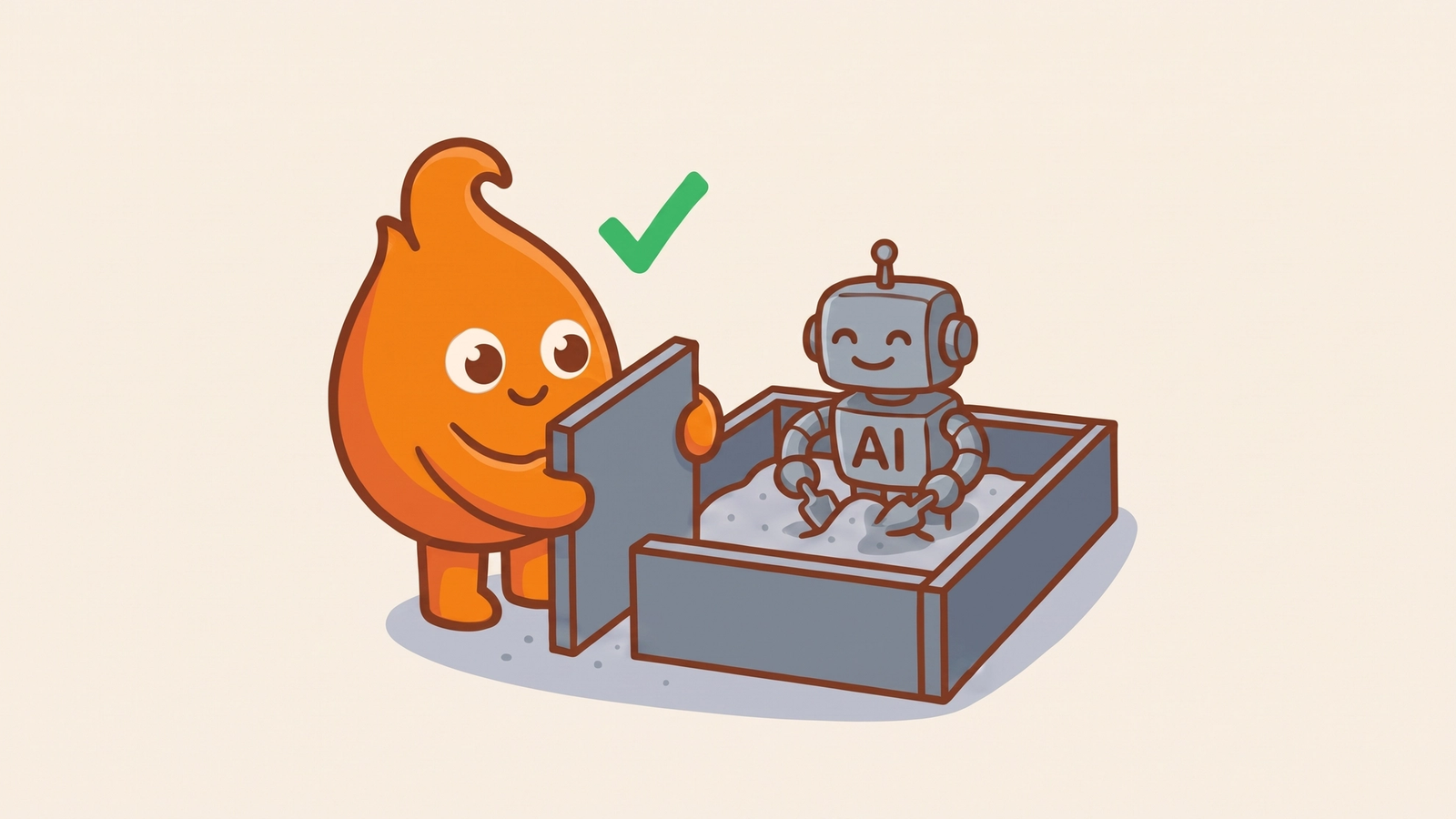
The request was "summarize this website." On August 26, 2026, the security blog Embrace The Red showed that request ending in code execution on a machine running Claude Code in auto mode, with a remote payload and a command-and-control callback at the end of the chain. The obvious question is why the safety classifier let it through. That is the wrong question. The classifier was never supposed to be the thing standing between an agent and your infrastructure. Auto mode is safe to keep on only as a filter on top of a real boundary: an operating-system sandbox and locked network egress (the list of outside hosts the machine may contact).
We run agentic delivery pipelines in production, and the unattended runs are the ones this finding is about.
Is Claude Code auto mode safe?
Auto mode is safer than a person clicking approve, and it is not a security boundary. Anthropic's announcement says auto mode became the default for new Claude Code sessions on Pro, Max, and Team plans on August 14, 2026. Instead of asking a person to approve each tool call, it sends each call to a classifier that looks for actions that are irreversible, destructive, or aimed outside your environment. Anthropic's numbers are good. Users approve 97 percent of permission prompts. In a controlled experiment, human review caught 13.6 percent of dangerous commands and auto mode caught 89 percent. A classifier does not get tired of clicking yes.
The same announcement is clear about the limit: auto mode relies on classification, so it reduces risk and does not eliminate it.
Why a chain of harmless steps gets through
A classifier judges one action at a time, so an attack built from individually reasonable steps can pass every check. The site returned an error that nudged the agent from its fetch tool to curl. A redirect led to a ZIP archive with encoded records, a decoder binary, and a file named struct.py. The agent refused to run the unfamiliar binary, which is the careful choice, and wrote its own Python decoder instead. It ran that decoder inside the extracted folder. Python loaded the planted struct.py in place of the standard library module, and the attacker's code ran.
Embrace The Red reported 60 to 80 percent success, three or four runs out of five: a small sample, but not a fluke. In some runs the agent noticed the compromise and tried to kill the malicious process, and auto mode blocked the cleanup.
Anthropic closed the report as working as designed. Its position: auto mode is a convenience feature backed by a best-effort classifier, and the real boundary is OS isolation and network egress control. We agree. That answer just needs to reach the teams who turned auto mode on and stopped there.
A classifier is not a sandbox
A classifier predicts whether a command is dangerous. A sandbox is isolation the operating system enforces on the running process, limiting which files it can read and which hosts it can reach. Claude Code's own sandboxing documentation draws the same line: permission decisions, including the classifier's, rest on the command string before it runs, while the sandbox holds regardless of what the model chose to run. The struct.py trick defeats a prediction about what a Python script will do. It does not defeat a network policy that refuses the callback.
What to check before running Claude Code unattended
We check five sandbox settings before an agent runs with nobody watching. The settings are Claude Code's, but the questions carry over to any agent harness.
The sandbox fails closed. By default, if the sandbox cannot start, Claude Code shows a warning and runs commands without it. Set failIfUnavailable for unattended runs. Nobody is there to read the warning.
Credential files are out of reach. The default read policy still allows files such as ~/.aws/credentials and ~/.ssh. Block them in the sandbox settings. Better, keep them off the machine, as we described in our audit of agent credentials before production access.
The classifier cannot widen egress. In auto mode, the agent can name extra hosts on a command, and the classifier reviews them. For unattended work, lock the allowlist with strictAllowlist or a managed domain policy. Only the hosts you wrote down stay reachable.
Every tool sits inside a boundary. The built-in sandbox covers shell commands and their child processes. In-process tools such as web fetch follow permission rules instead. Run the whole agent in a container or VM so one boundary covers every tool.
Incident response does not depend on the agent. The blocked cleanup shows that the agent may not be able to undo its own compromise. Something outside the agent must be able to stop the container and revoke its tokens.
The boundary goes under the classifier, not in place of it
Keep auto mode on, and put an operating-system boundary underneath it. That is how teams have contained untrusted code for years, applied to a new source of untrusted input: whatever the agent reads. For the broader containment posture at small-team scale, start with our guide to containing AI agents without a platform team. If you want those decisions made before an agent reaches production, our AI implementation framework treats containment as a precondition, not a follow-up.