
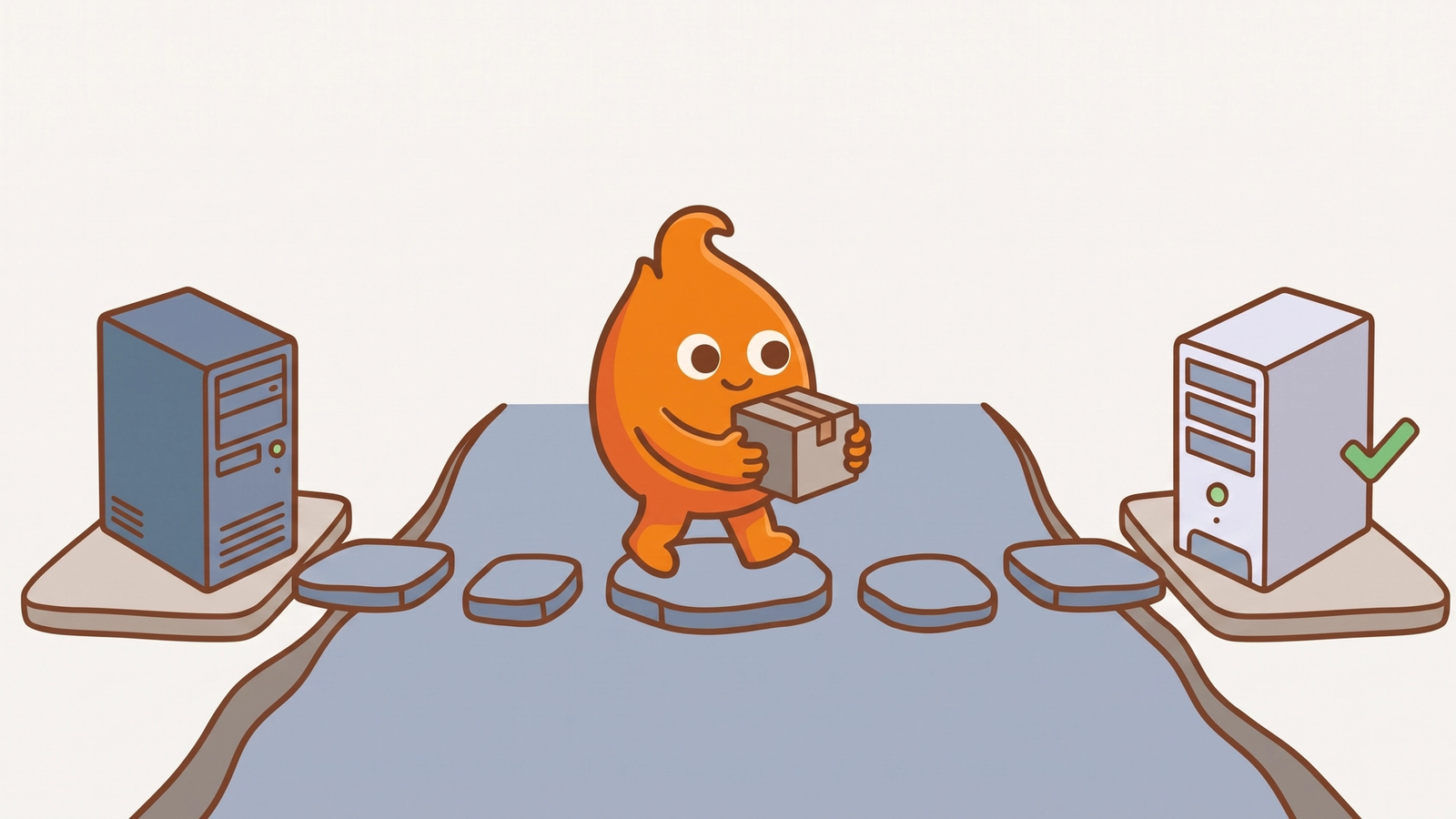
Here is the scenario. A ColdFusion 2021 server has run a line-of-business application for years, nobody wants to touch it, and someone just noticed a date on Adobe's support page: November 10, 2026. The instinct is to treat that date as the deadline. It is not. The security patches already stopped.
The short answer: Adobe ColdFusion 2021 reaches the end of extended support on November 10, 2026, but its last update shipped on December 9, 2025, so every ColdFusion 2021 server has gone without security fixes since then. November 10 removes the last thing Adobe still offers. The fix does not change: upgrade to Adobe ColdFusion 2025, and protect the 2021 server until you do. We moved a production application from ColdFusion 2018 to ColdFusion 2025 in 2026, and the steps below are what we do first on a 2021 server.
What does ColdFusion 2021 end of support mean?
ColdFusion 2021 end of support means Adobe provides nothing for it after November 10, 2026: no updates, no hotfixes, and no help. Adobe's support timeline lists the dates: general availability on November 11, 2020, end of core support on November 10, 2025, and end of extended support on November 10, 2026.
The two support phases are not equal. Adobe's planning notice for ColdFusion 2021 describes extended support as best-effort help with migrating to a supported version, and it states that extended support does not include security patches or hotfixes. The ColdFusion 2021 updates page confirms that Update 23, released December 9, 2025, is the final update.
The risk did not start on November 10
The exposure on a ColdFusion 2021 server started when the patches stopped. Adobe keeps finding and fixing vulnerabilities in the versions it supports. Its October 13, 2026 security bulletin, APSB26-144, fixed 32 vulnerabilities in ColdFusion 2025 and 2023, 10 of them rated critical, including code injection, server-side request forgery, and path traversal. ColdFusion 2021 is not on that bulletin, because it no longer gets fixes.
That is the part teams miss. An unsupported runtime is not a server that stops working. It is a server that keeps working while its list of unfixed problems grows. End-of-life runtimes on the public internet are already the most common serious finding on older ColdFusion servers, and a 2021 server left in place joins that list.
Why upgrade to ColdFusion 2025, not 2023?
Upgrade to ColdFusion 2025, because a move to ColdFusion 2023 buys a short runway and a second upgrade. On the same Adobe timeline, ColdFusion 2023 core support ends May 16, 2028. ColdFusion 2025 core support runs to February 26, 2030. In our experience, the jump from 2021 is similar work whichever target you pick. Doing it twice is not. Adobe's planning notice also recommends ColdFusion 2025.
Budget for licensing early. The same notice says Adobe has moved ColdFusion to subscription licensing and discontinued perpetual licenses, so the upgrade is a budget conversation as well as an engineering one.
What to do before November 10
You probably will not finish an upgrade by November 10, and you do not need to. You need a protected 2021 server and a dated plan. These are the steps we take first.
Confirm what you run. Open the System Information page in the ColdFusion Administrator. Record the version and build number for every server. The final ColdFusion 2021 build is 2021,0,23,330864. A server below that build is missing fixes Adobe did ship.
Apply Update 23 where a server is behind. It is the last update ColdFusion 2021 will get. Install it on a test server first, then in production.
Close the Administrator to the internet. The ColdFusion Administrator and Remote Development Services should answer only on an internal network or through a VPN. On older servers we often find both open to the public.
Put a bridge in front of public applications. Use a web application firewall rule, an IP allowlist, or a network segment. Give each bridge an expiry date tied to the upgrade.
Inventory the dependencies before you pick a date. The database version, the reporting layer, scheduled tasks, mail, certificates, and service accounts move the schedule more than the CFML does. Our ColdFusion 2025 migration checklist covers that inventory, testing before the DNS change, and the rollback plan.
Put a cutover date on the calendar. A plan with no date is how ColdFusion 10 and 11 servers still serve public traffic today, years after their last fix.
The upgrade is smaller than the fear
The code is rarely the hard part of a ColdFusion upgrade. On our ColdFusion 2018 to 2025 migration, the reporting stack, the database upgrade, and the cutover sequence took more planning than CFML compatibility did. A 2021 application starts closer to 2025 than ours did. The server nobody wants to touch usually needs a careful inventory and a rehearsed rollback, not a rewrite.
If you have a ColdFusion 2021 server and no date for leaving it, our ColdFusion migration team starts with the inventory above. If the server has to stay where it is for a while, ColdFusion security remediation covers the bridge.