
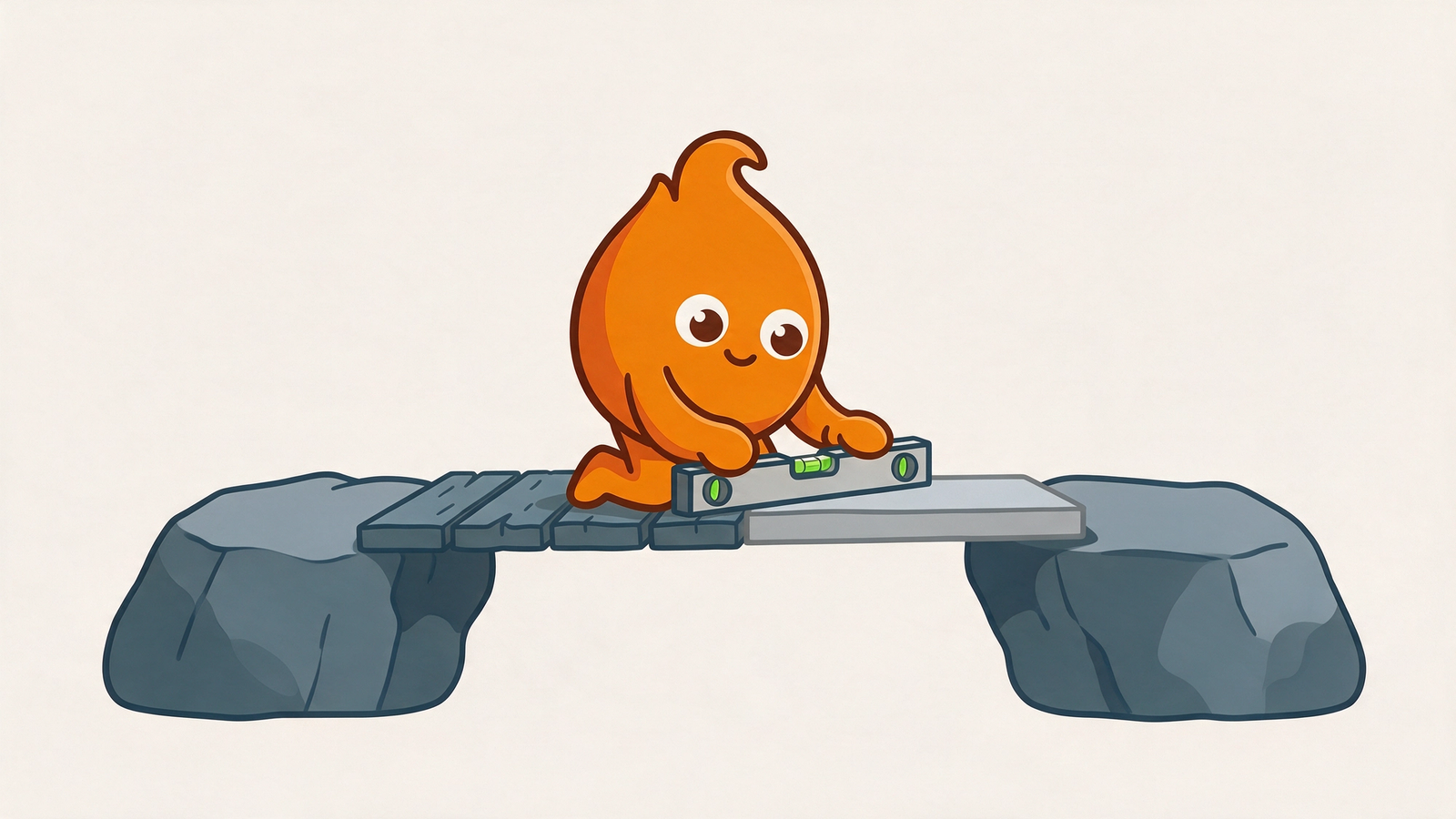
When a team replaces one part of an old system, it tests the new part. The outage usually comes from somewhere else: the boundary where the new part talks to the old ones. So test that boundary under load, switch off what you did not ask for, roll out one site at a time, limit what the old side accepts, and keep a rollback that does not depend on the thing you changed. We replace components inside legacy systems for a living, such as the database server under a ColdFusion application or the queue under a Rails batch job. The new component is rarely what fails.
What does the FAA ground stop show about partial upgrades?
It shows how small the change can be. On November 13, 2026, the Federal Aviation Administration issued a nationwide ground stop that lasted several hours. In its questions and answers on the ground stop, published November 15, 2026, the FAA says its legacy equipment became unstable when data began flooding its network, at a rate of 1,000 connection attempts every 4 to 5 seconds. The initial investigation points to two sites as possible sources. At one of them, the network service provider had been doing work that included deploying a new router. The provider blocked both sites and the network stabilized. A broadcasting function was then disabled on all the new routers as a precaution.
The FAA says the root cause is still under investigation, and this post does not guess at it. The shape is the useful part, because every legacy system shares it: old equipment sized for the traffic it has always received, and a change nearby that may have altered that traffic.
Five checks before you swap one component
A partial upgrade is safe when the old side keeps receiving what it has always received. These five checks are how we confirm that.
- Load-test the boundary, not the component. The new part passes its own tests. Measure what it sends to the old parts: connection rate, retries, message size, and traffic nobody asked for. Compare those numbers with what the old part sent.
- Switch off what you did not ask for. New equipment and new libraries arrive with features turned on: discovery, broadcast, automatic retry, keepalives. List the defaults. Disable each one the old system does not need.
- Roll out one site at a time, then wait. Change one server, one location, or one tenant. Watch the old side's metrics through a full business cycle before the next one. A rollout that reaches every site in a week leaves no room for a small failure.
- Put a limit where the old system receives traffic. Old systems rarely enforce rate limits, because their callers were always well behaved. Add a rate limit or a circuit breaker on the old side. A misbehaving neighbor then gets cut off, and the old system stays up.
- Keep a rollback that does not use the thing you changed. A rollback that runs over the new network path or through the new queue fails at the same moment the change does. Write the steps, name who runs them, and rehearse them once.
Why the old side fails first
The old side fails first because nobody wrote its limits down. The real capacity of a 15-year-old application is whatever its neighbors have always sent it. No one tested the ceiling, so no one knows where it is until a change finds it.
That is why our first step in a partial upgrade is a boring one. We record the boundary's normal traffic before we touch anything: how many connections, how often, how large. After the change, any difference from that record is a finding, even when nothing has broken yet.
Replacing one part at a time is still the right way to modernize. It is how a system gets better without a rewrite. If you are deciding which parts to replace, start with our framework for whether a legacy app is worth modernizing. For the cutover itself, see our ColdFusion 2025 migration checklist. And if you have one component that has to change this quarter, our ColdFusion and legacy modernization work starts at the boundary.